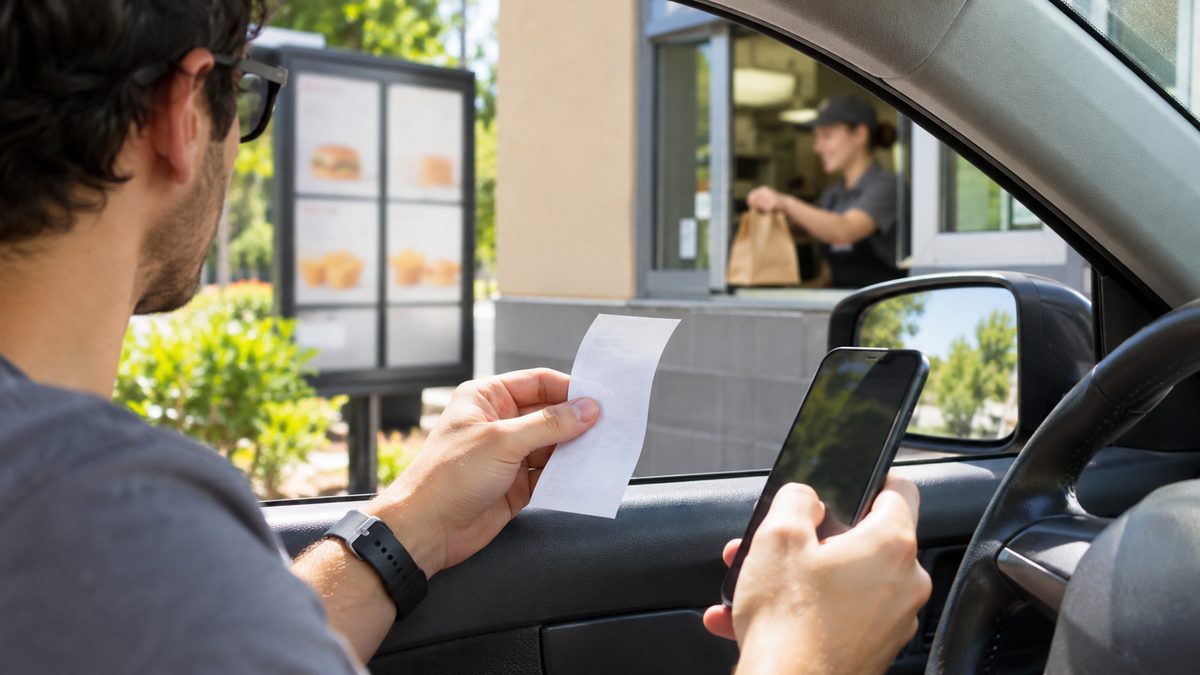
Last updated: November 15, 2026 · We checked the official Jack in the Box survey entry page (www.jacklistens.com, which opens a survey page on feedback.inmoment.com) and Jack in the Box’s official investor news page for the current rules.
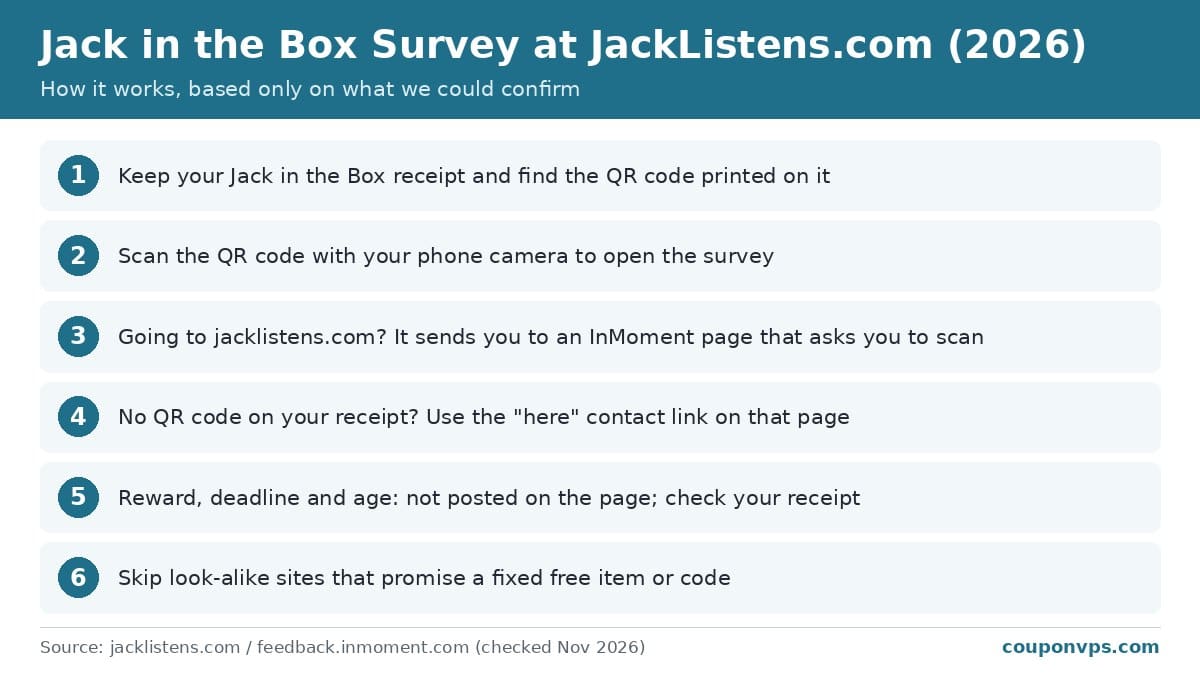
- Yes. The Jack in the Box survey is still running. www.jacklistens.com redirects to a feedback page powered by InMoment that asks you to scan the QR code printed on your receipt (checked November 15, 2026).
- What you get: No reward is shown on the survey page. Sites promising a set free item or “validation code” could not be confirmed. Check your receipt.
- Who qualifies: Guests with a Jack in the Box receipt that has a survey QR code. Age and purchase rules are not posted on the page.
- How: Scan the receipt QR code with your phone. There is no code-entry box on jacklistens.com.
- Limits: Any deadline or one-per-receipt rule is not shown on the page. Not confirmed; go by your receipt.
You have a Jack in the Box receipt that invites you to share feedback, and you want to know where to go and what you get. This guide covers the real survey entry page, the QR code step, what to do if your receipt has no QR code, and how to avoid copycat pages.
We only list what we could confirm on Jack in the Box’s official survey page and official pages. Many unofficial sites still describe an old “enter your receipt code” form and promise a fixed free item. The current page asks for a QR scan instead, and we could not confirm any fixed reward.
Jack in the Box survey at a glance (November 2026)
| Detail | What we found | Status |
|---|---|---|
| Official website | www.jacklistens.com (redirects to feedback.inmoment.com) | Confirmed |
| Survey platform | Page footer says “Powered by InMoment” | Confirmed |
| How to start | Scan the QR code printed on your receipt; no code-entry box on the start page | Confirmed |
| Languages | The start page text is shown in English and Spanish | Confirmed |
| No QR code on receipt | Use the “here” link on the page, which opens an InMoment contact form | Confirmed |
| Reward | Not posted on the survey page; check your receipt | Not confirmed |
| Deadline to take the survey | Not posted on the survey page; check your receipt | Not confirmed |
| Age requirement | Not posted on the survey page | Not confirmed |
| Surveys per receipt / per person | Not posted on the survey page | Not confirmed |
How to take the Jack in the Box survey (step by step)
- Find the QR code. Look on your Jack in the Box receipt for a printed QR code and any survey message, deadline or offer printed near it.
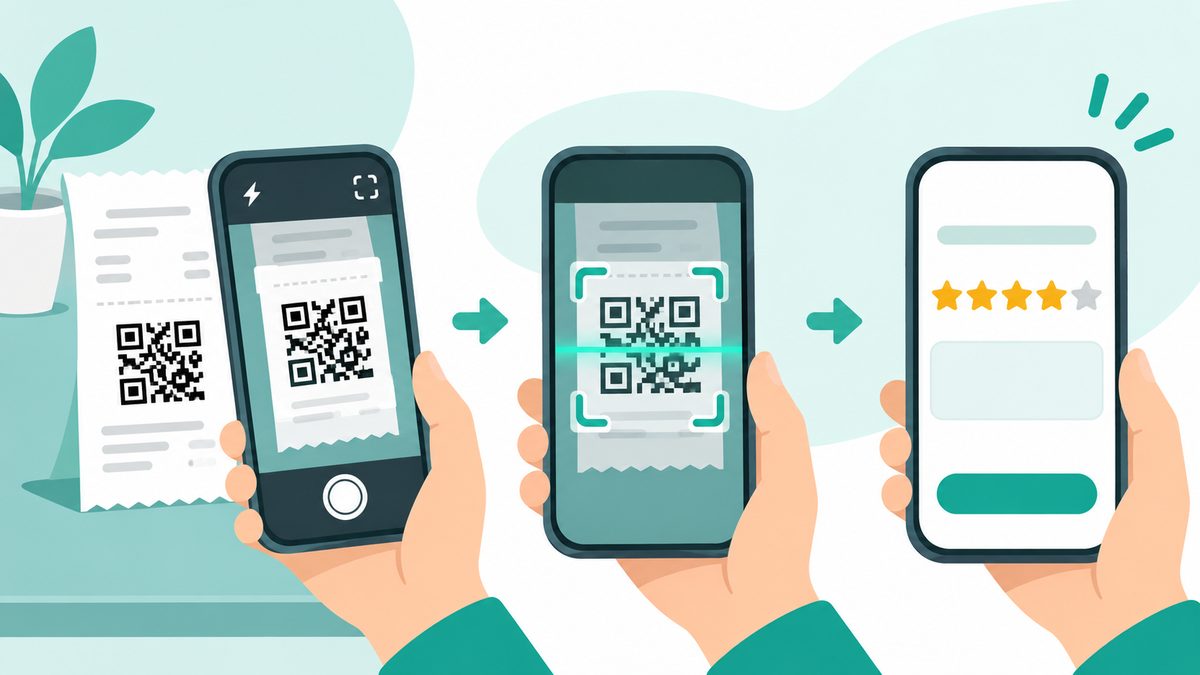
- Scan it. Open your phone’s camera, point it at the QR code and tap the link that appears.
- Check the address. The real survey runs on an InMoment page (feedback.inmoment.com). If you typed www.jacklistens.com, you land on that same InMoment page, which asks you to scan the receipt QR code.
- Answer the questions. Rate the visit on that receipt and add comments if you want.
- Finish every page. Keep going until you see a closing or thank-you screen.
- Note any offer. If the final screen or your receipt mentions an offer, write down any code and follow the rules shown there.
What you need before you start
- A receipt with a QR code. The start page asks you to scan the QR code printed on your receipt.
- A phone with a camera. Most phone cameras read QR codes without a separate app.
- A few minutes. Jack in the Box does not post a survey length on the page.
- No QR code? The page says to reach out through its “here” link, which opens an InMoment contact form.
Rules and fine print
- The receipt sets the rules. No reward, deadline, age limit or per-person limit is shown on the survey page. Go by what your receipt and the survey itself say.
- QR code, not a typed code. The current start page has no box for typing a receipt number. Guides that tell you to type a long code may be out of date.
- Run by InMoment. The page says “Powered by InMoment” and links to InMoment’s privacy policy. Its cookie banner says it uses strictly necessary cookies only.
- Location differences. Any offer may vary by restaurant, since Jack in the Box restaurants can run their own promotions.
Troubleshooting and tips
- QR code won’t scan. Flatten the receipt, add light and hold the phone steady. Faded thermal paper may not scan at all.
- No QR code on your receipt. Use the “here” link on jacklistens.com to send feedback through the InMoment contact form.
- Typed jacklistens.com and found no form. That’s expected. The page asks you to scan your receipt’s QR code instead.
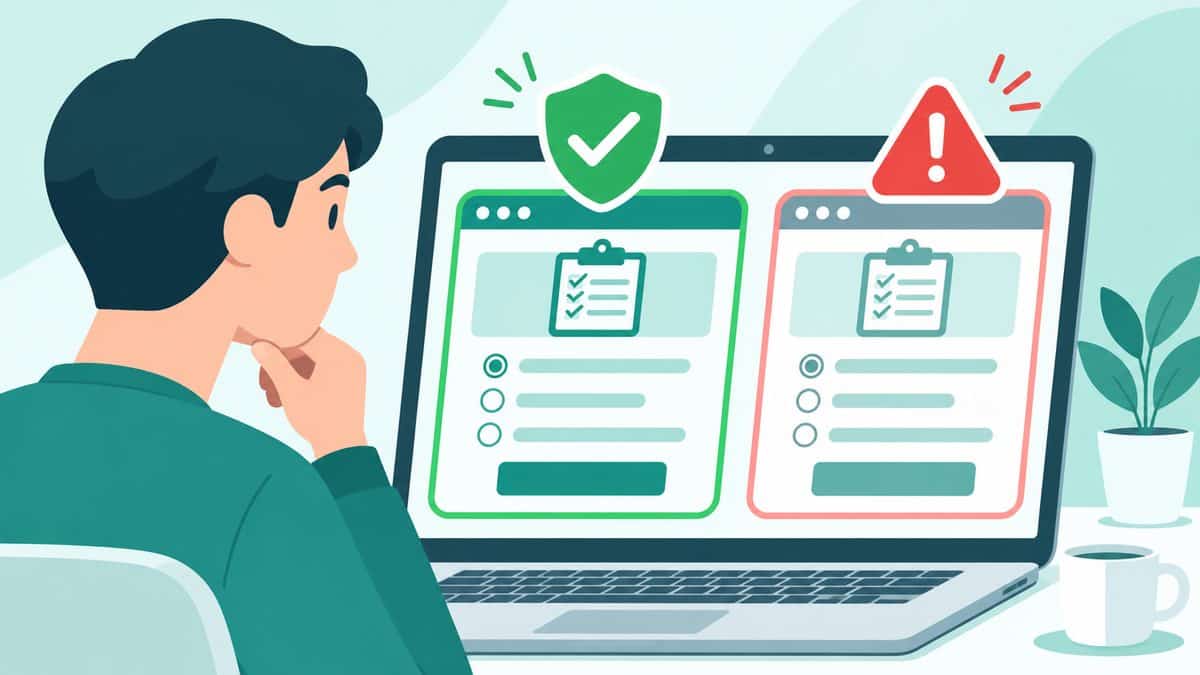
- Look-alike sites. Many pages use “jacklistens” in their name or promise a guaranteed free item. They are not Jack in the Box. Never enter payment or login details on a survey page.
- Using an offer. If your receipt or the survey gives you an offer, bring the receipt and check the redemption rules before you order.
Other real ways to save on Jack in the Box
Jack Pack and the Jack app: Jack in the Box’s official release of December 18, 2025 on its 75th anniversary mentions exclusive Jack Pack rewards and Jack Pack offers through 2026. Some offers in that release were available only through the Jack app. We could not confirm current point values or how to earn them on an official page, so check the app.
App-only offers: The same release’s first anniversary deal was valid one time per member, on one day only, and could not be combined with other offers or rewards. Expect similar limits on app deals.
Related deals
- Dunkin’ survey at TellDunkin
- McDonald’s survey at McDVoice
- Taco Bell survey
- Burger King survey at MyBKExperience
- KFC survey at MyKFCExperience
- Arby’s survey
- Subway survey
- Popeyes survey
Frequently asked questions
Is jacklistens.com legit?
Yes. www.jacklistens.com redirects to Jack in the Box’s feedback page on feedback.inmoment.com, which is powered by InMoment. Similar-sounding domains and blogs are not official.
Why can’t I enter my receipt code on jacklistens.com?
The current start page has no code-entry box. It asks you to scan the QR code printed on your receipt to open the survey.
What do you get for the Jack in the Box survey?
No reward is posted on the survey page. Any offer appears on your receipt or at the end of the survey and may vary by location.
What if my Jack in the Box receipt has no QR code?
Use the “here” link on jacklistens.com. It opens an InMoment contact form where you can share feedback or ask questions.
Is the Jack in the Box survey available in Spanish?
The start page text appears in both English and Spanish. Language options inside the survey itself were not confirmed.
CouponVPS is not affiliated with Jack in the Box. Terms can change and may vary by location. We report only what we could check ourselves. Sources: Jack in the Box survey start page (jacklistens.com, redirecting to feedback.inmoment.com, checked November 2026); InMoment contact form linked from that page (feedback.inmoment.com/websurvey/2/begin, checked November 2026); Jack in the Box 75th anniversary release, December 18, 2025 (investors.jackinthebox.com, checked November 2026).